Tuấn Anh&Như Bình
Trân trọng kính mời
29 · 12 · 2025
Trung tâm Tiệc cưới Keemori

01The beginning

01The beginning
Create a wedding invitation that feels like the two of you — beautiful, private and ready to share in minutes.
Chosen by couples for the day that matters most.
Tuấn Anh&Như Bình
Trân trọng kính mời
29 · 12 · 2025
Trung tâm Tiệc cưới Keemori
Figures updated as of today.
02Find your style
Classic · Modern
Classic · Traditional
Traditional · Luxury
Modern · Minimal
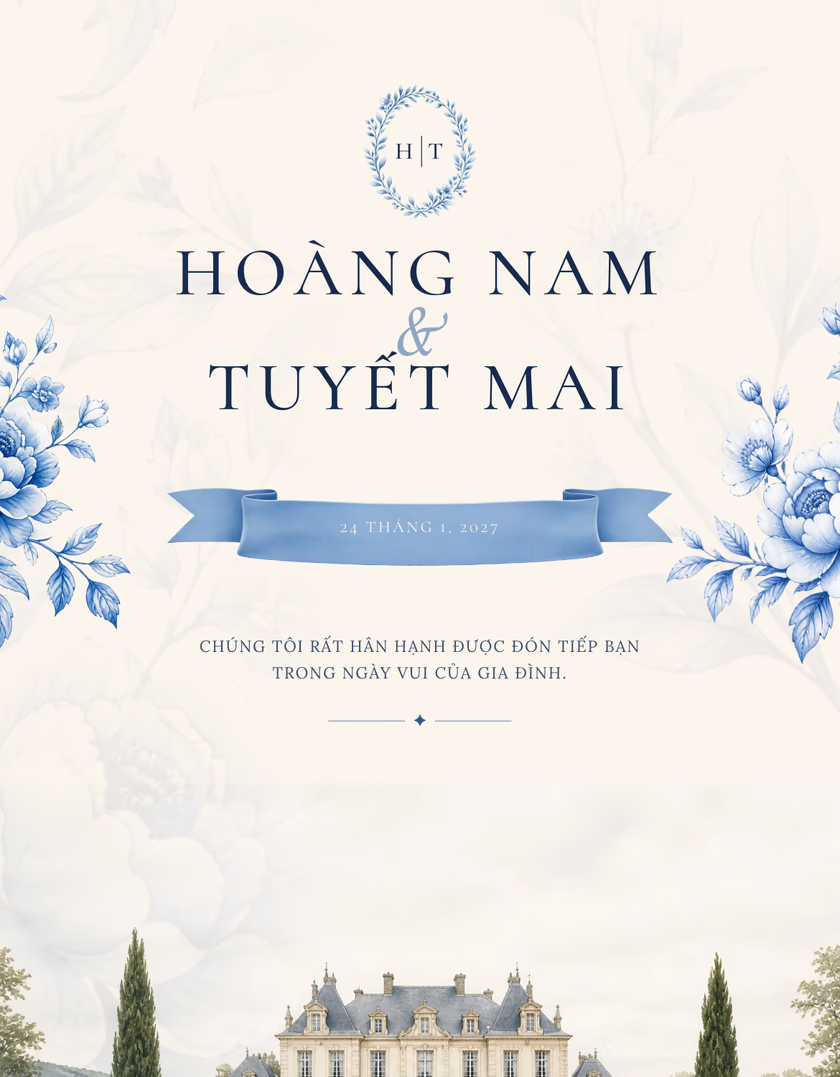
Classic · Formal
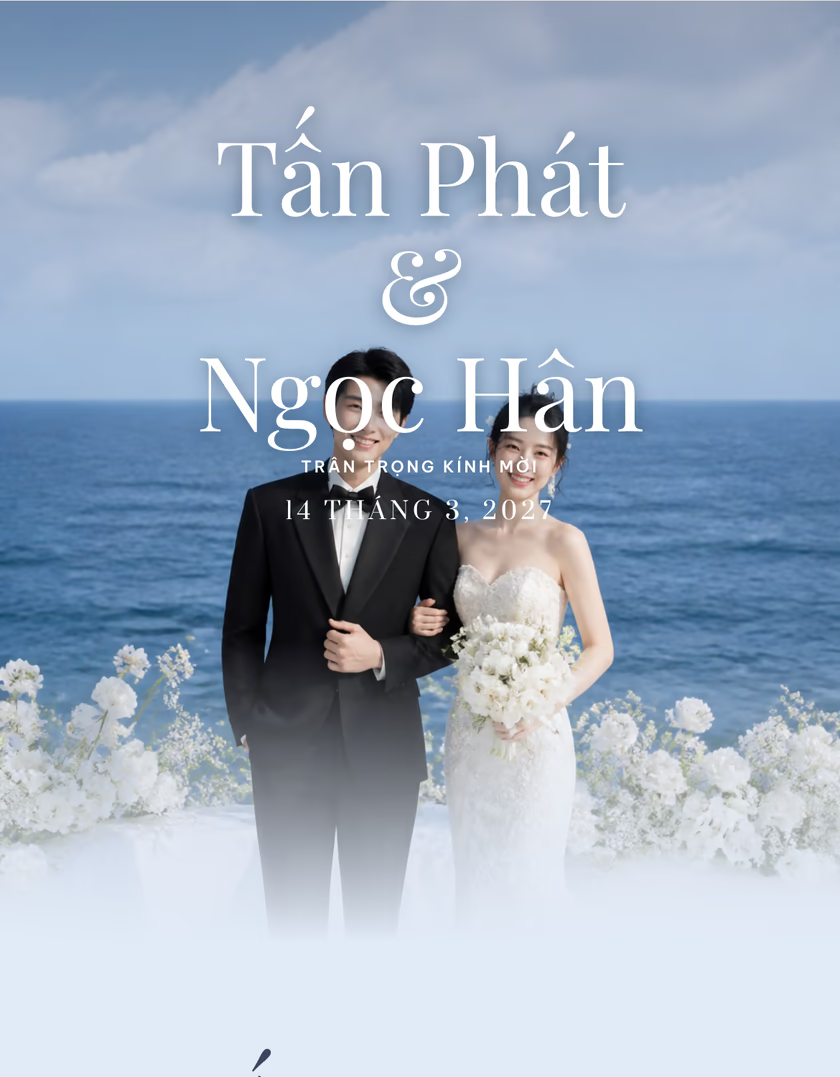
Modern · Minimal
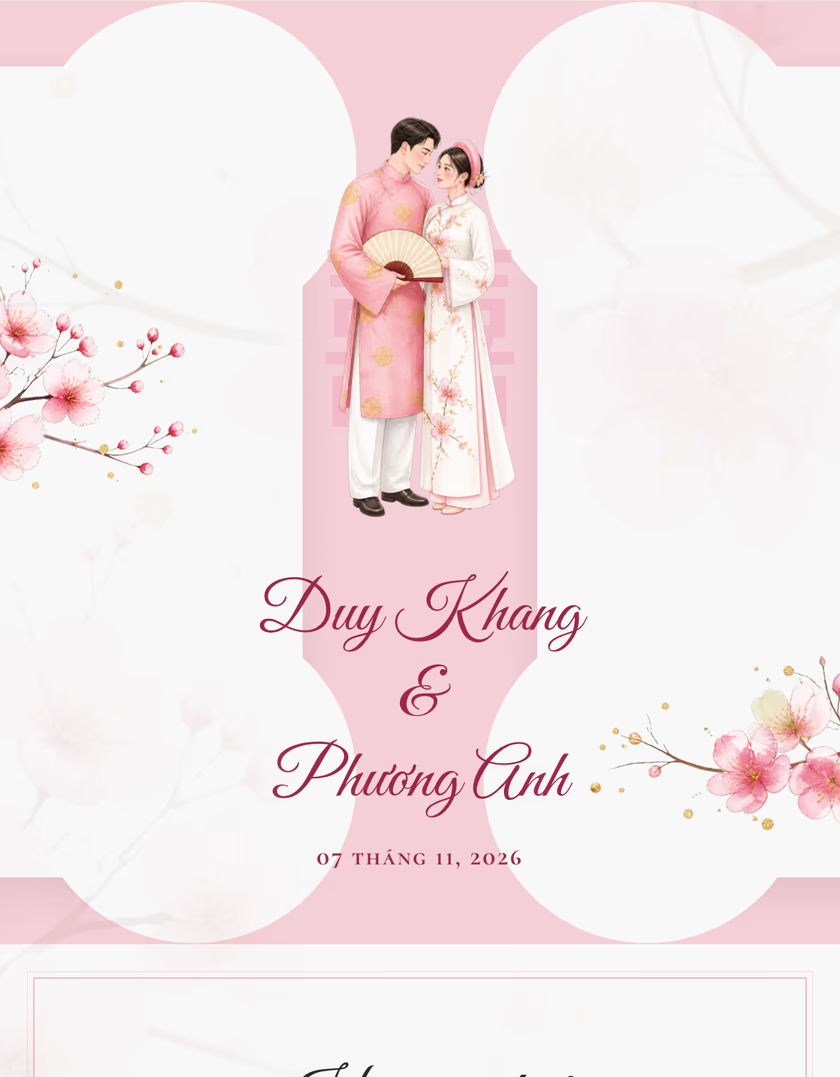
Traditional · Classic
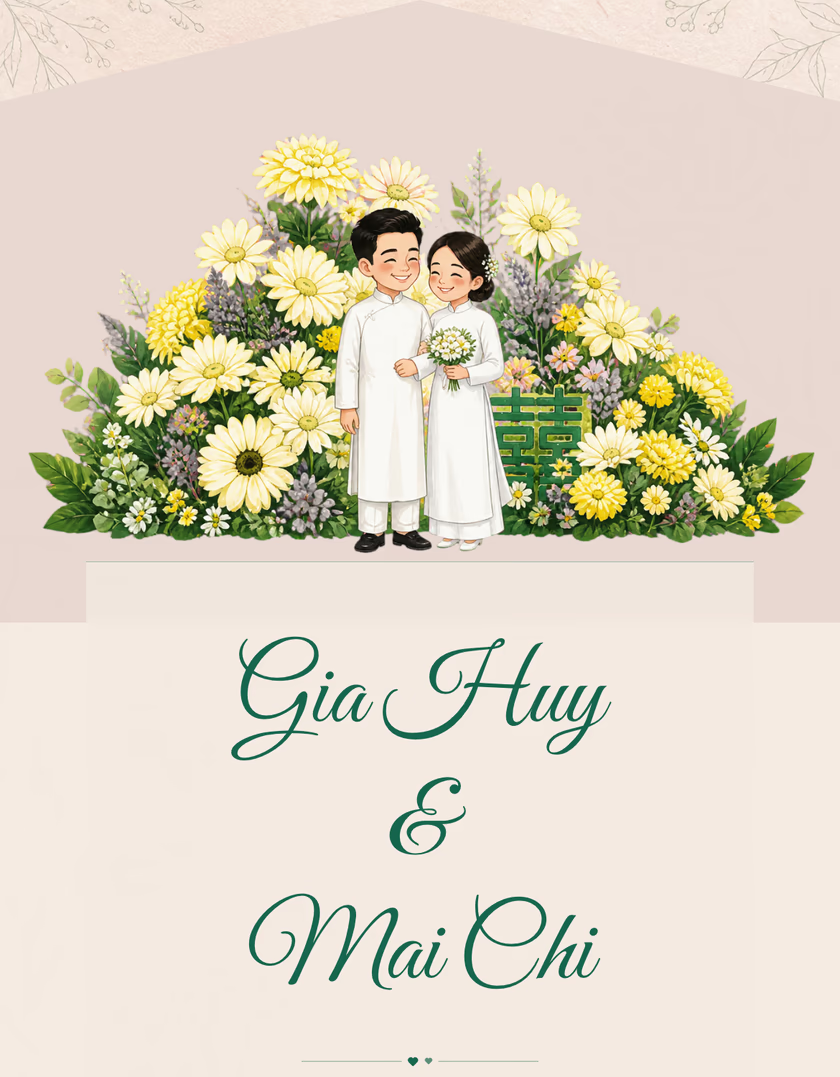
Classic · Formal
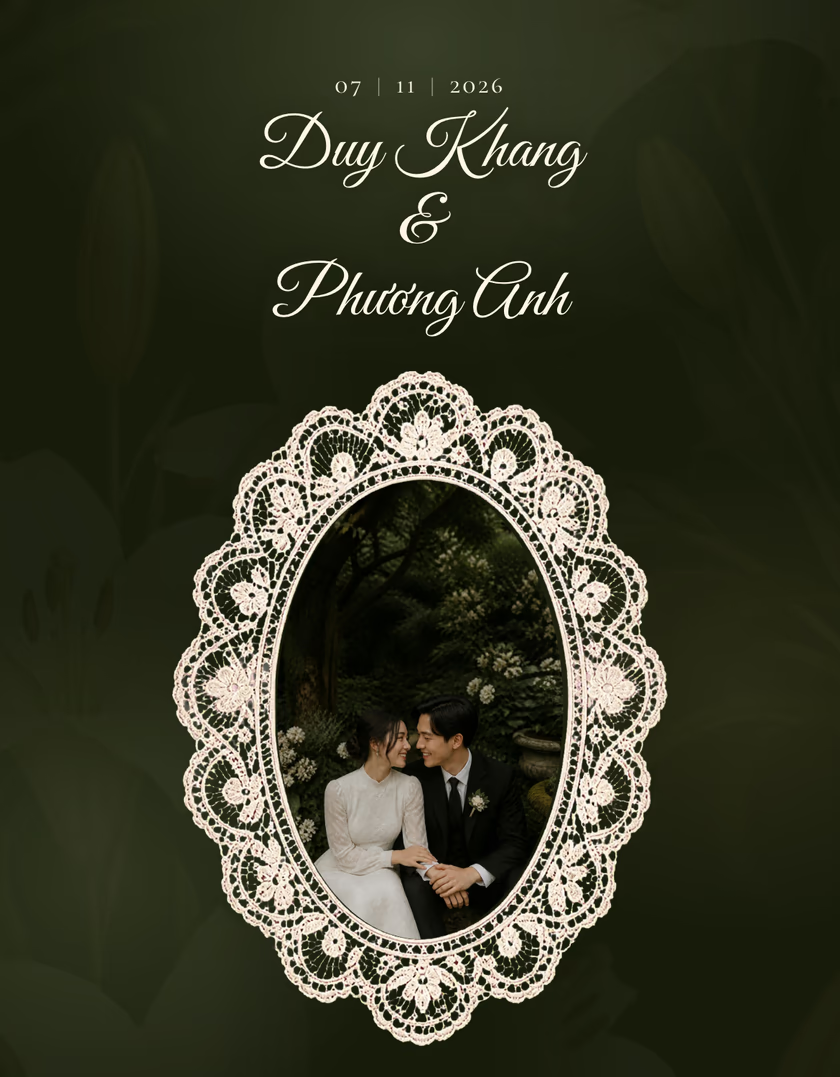
Classic · Formal
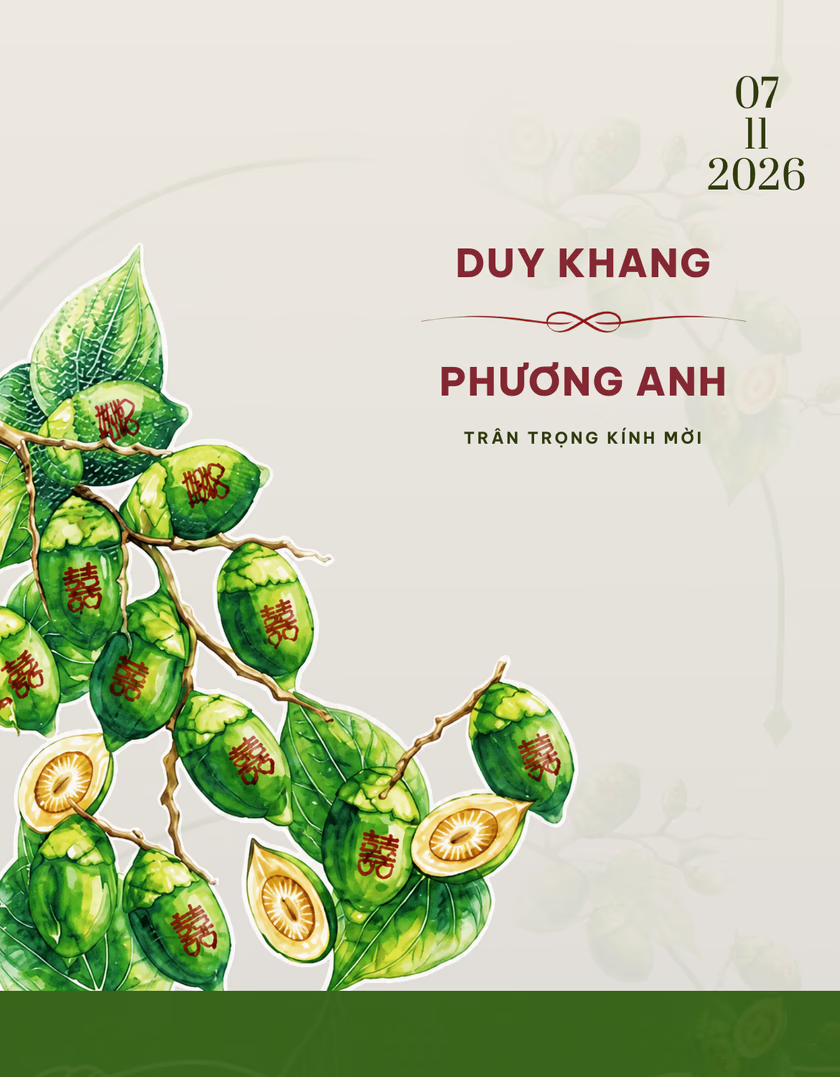
Traditional · Formal
03Make it yours
Three steps to turn your story into an invitation you can send.
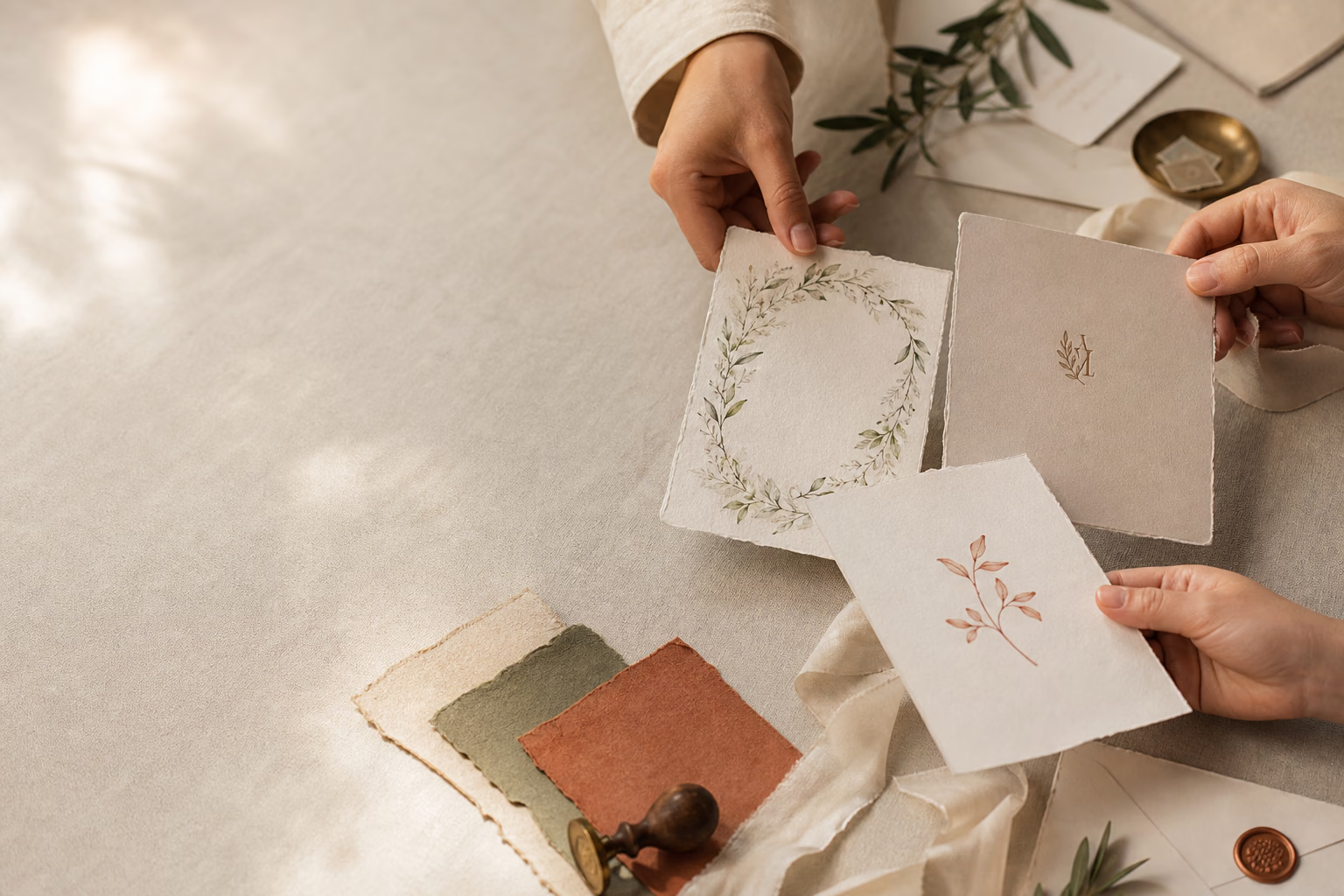
Over 50+ designs in different styles, with previews on multiple devices before you create your invitation.

Add the couple, families, ceremonies and reception details in separate sections.
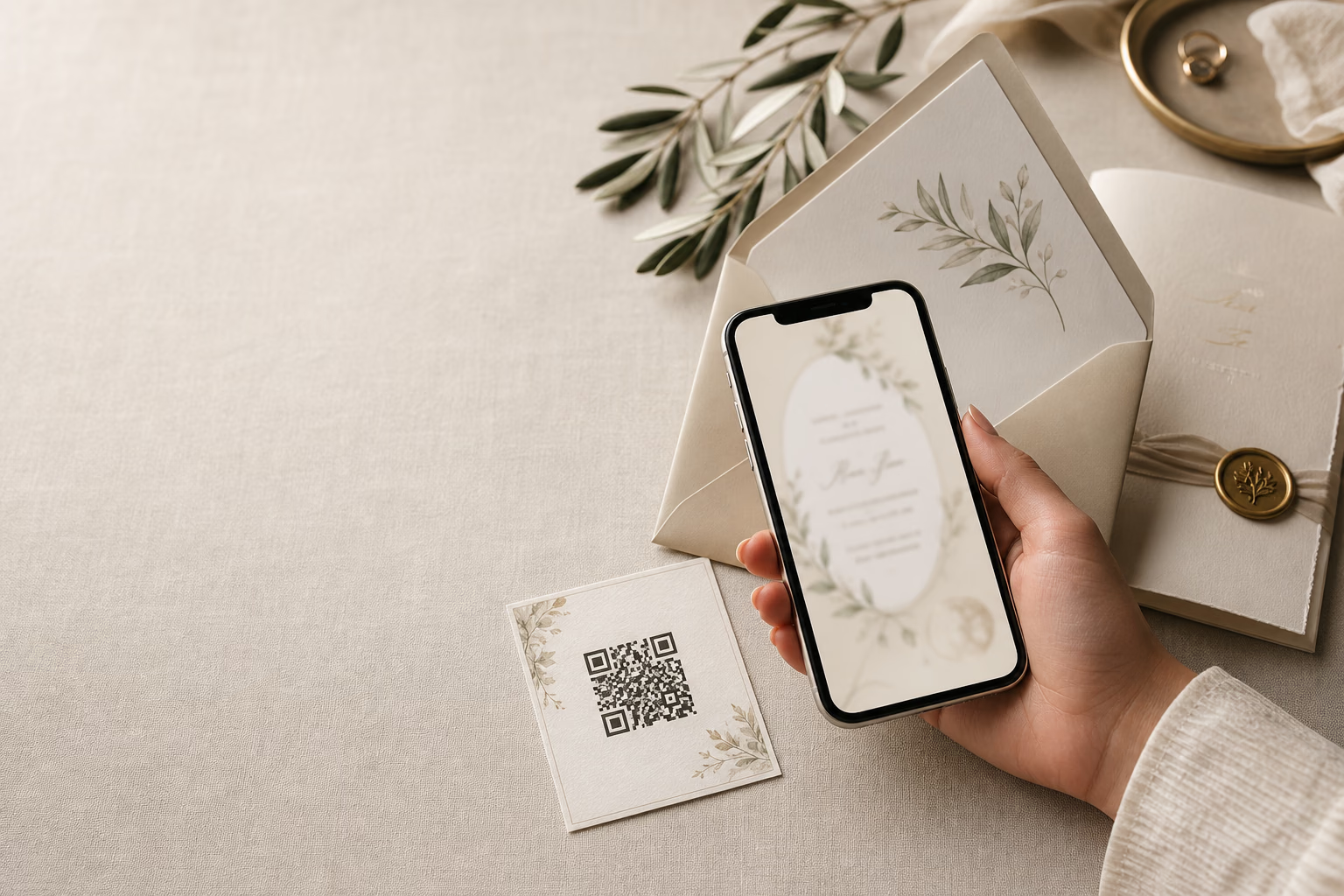
Get an invitation link and QR code to share with loved ones anywhere.
04Share the moment
Real invitations, built by couples on the platform.
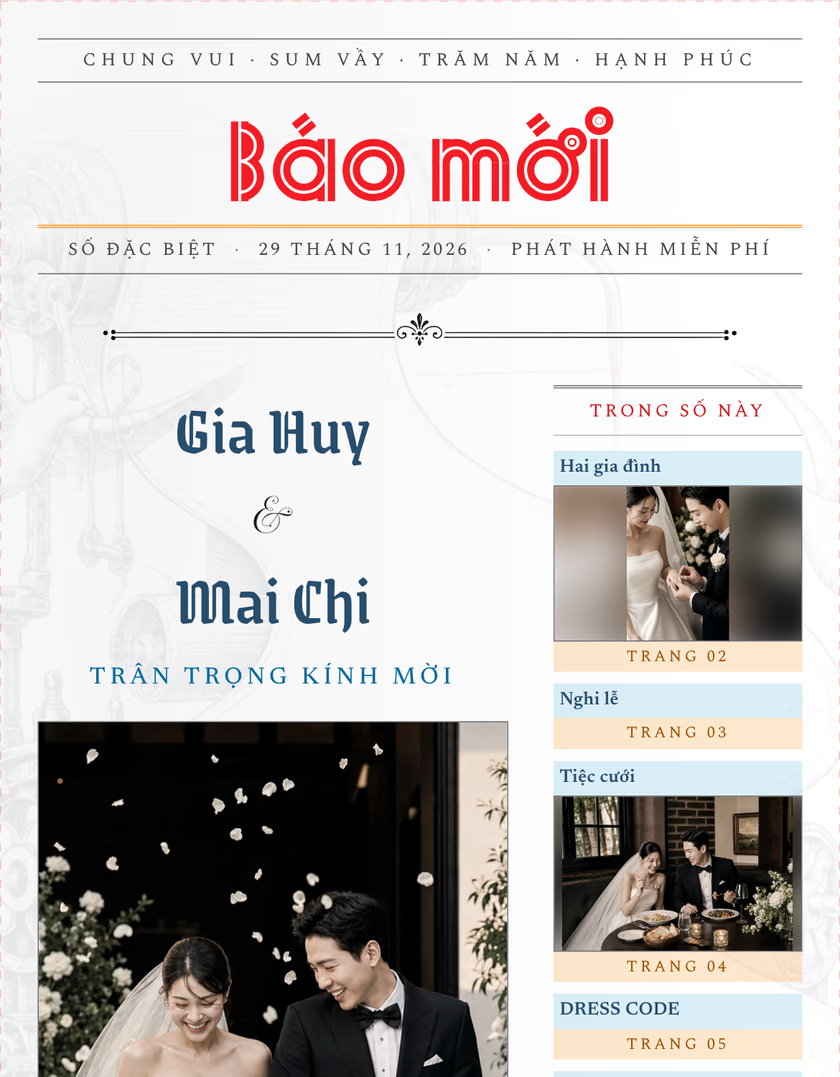
Gia Huy & Mai Chi
Wedding on 29/11/2026

Bảo Long & Thanh Trúc
Wedding on 10/10/2026
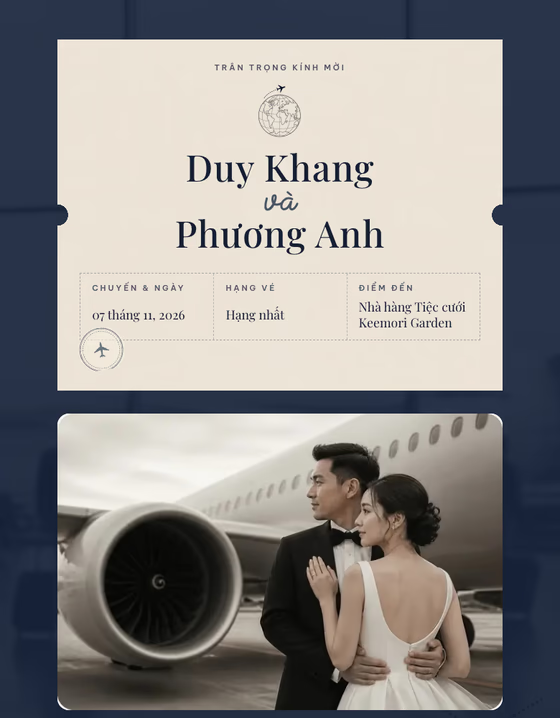
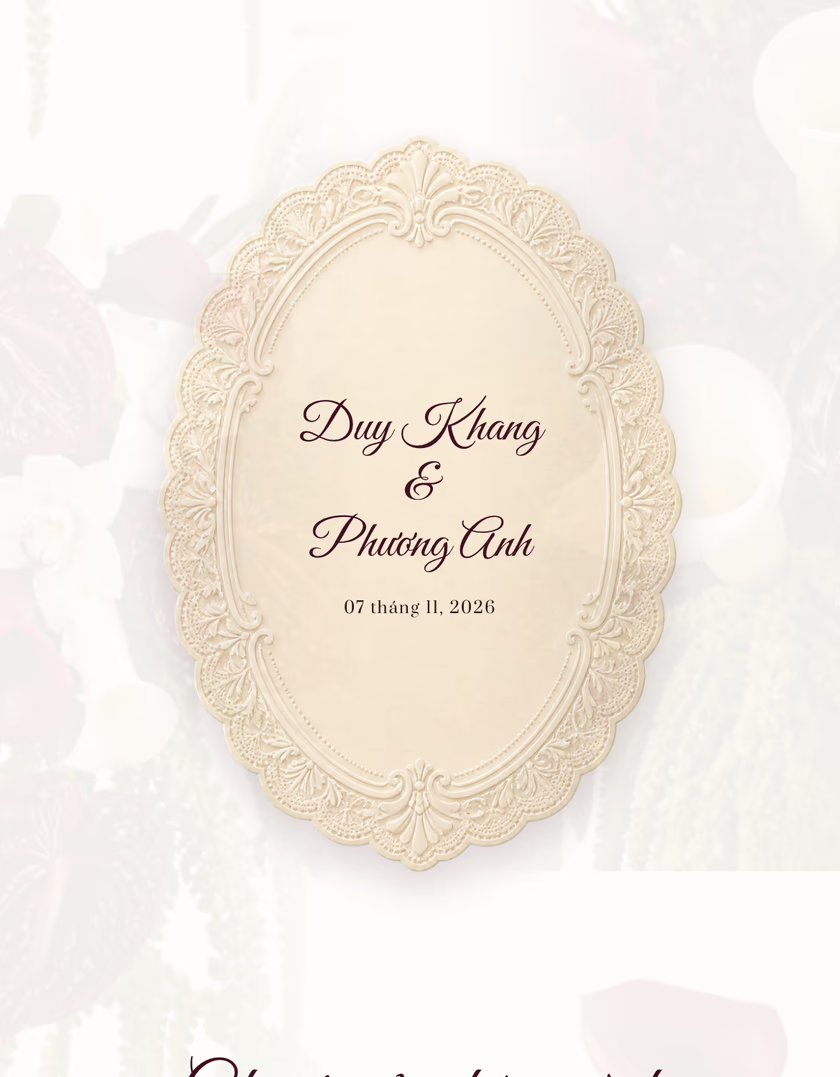
Duy Khang & Phương Anh
Wedding on 07/11/2026
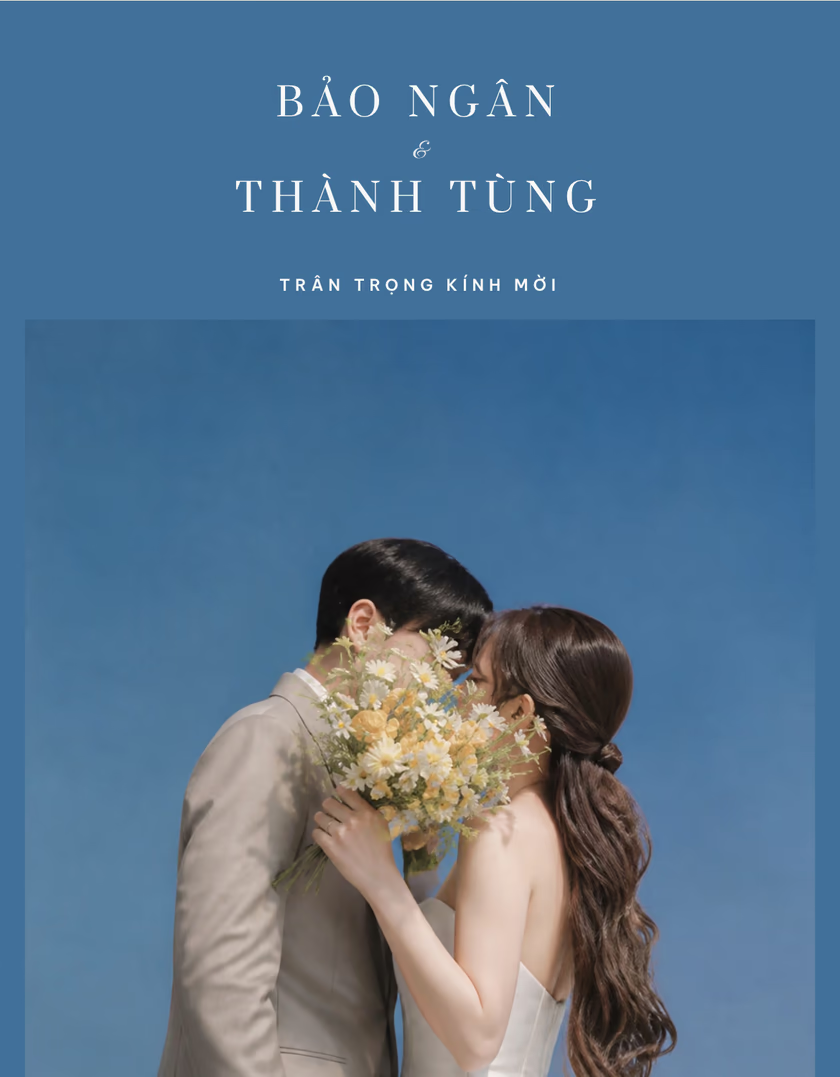
Thành Tùng & Bảo Ngân
Wedding on 13/12/2026
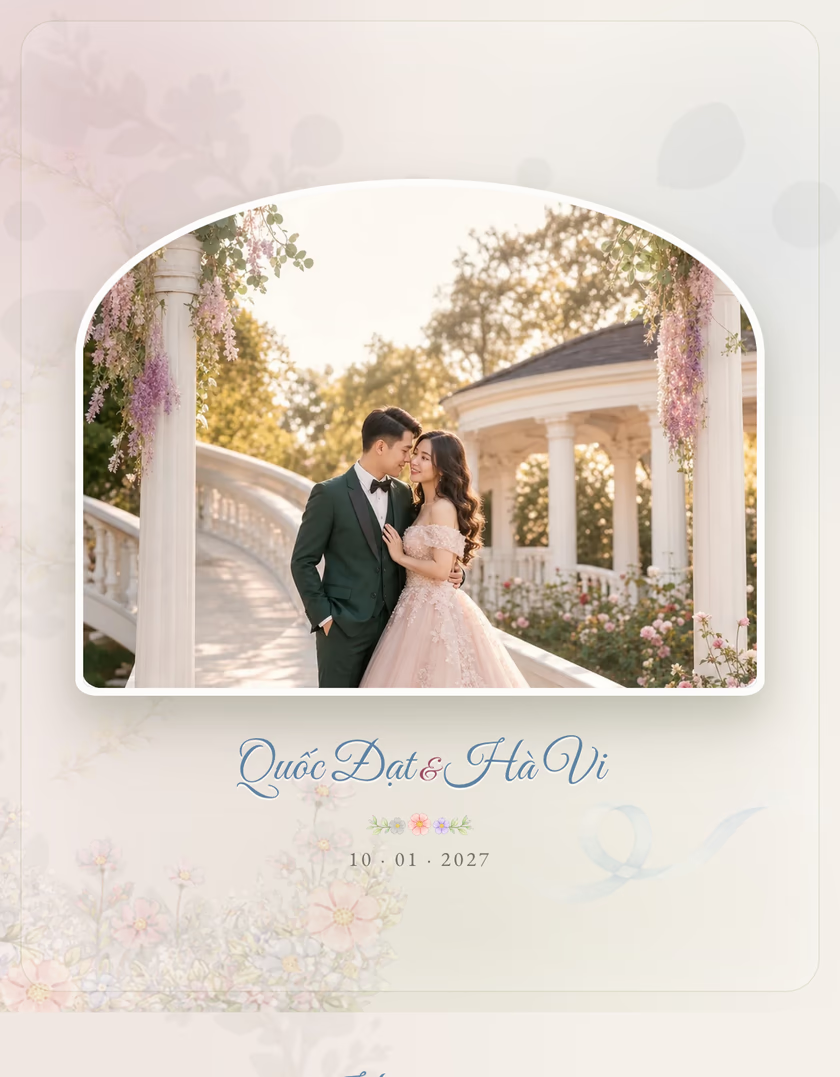
Quốc Đạt & Hà Vi
Wedding on 10/01/2027
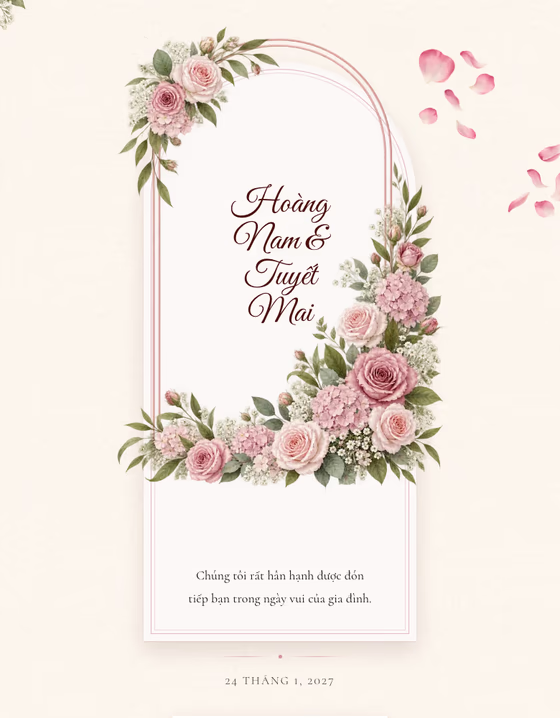
Hoàng Nam & Tuyết Mai
Wedding on 24/01/2027
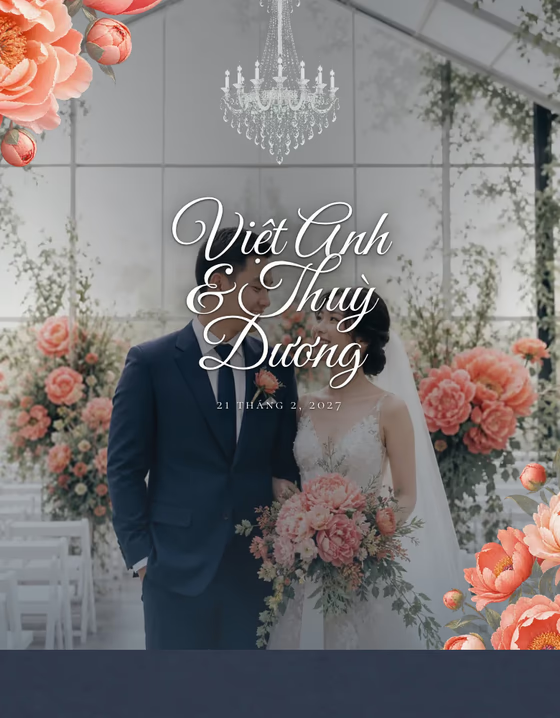
Việt Anh & Thuỳ Dương
Wedding on 21/02/2027
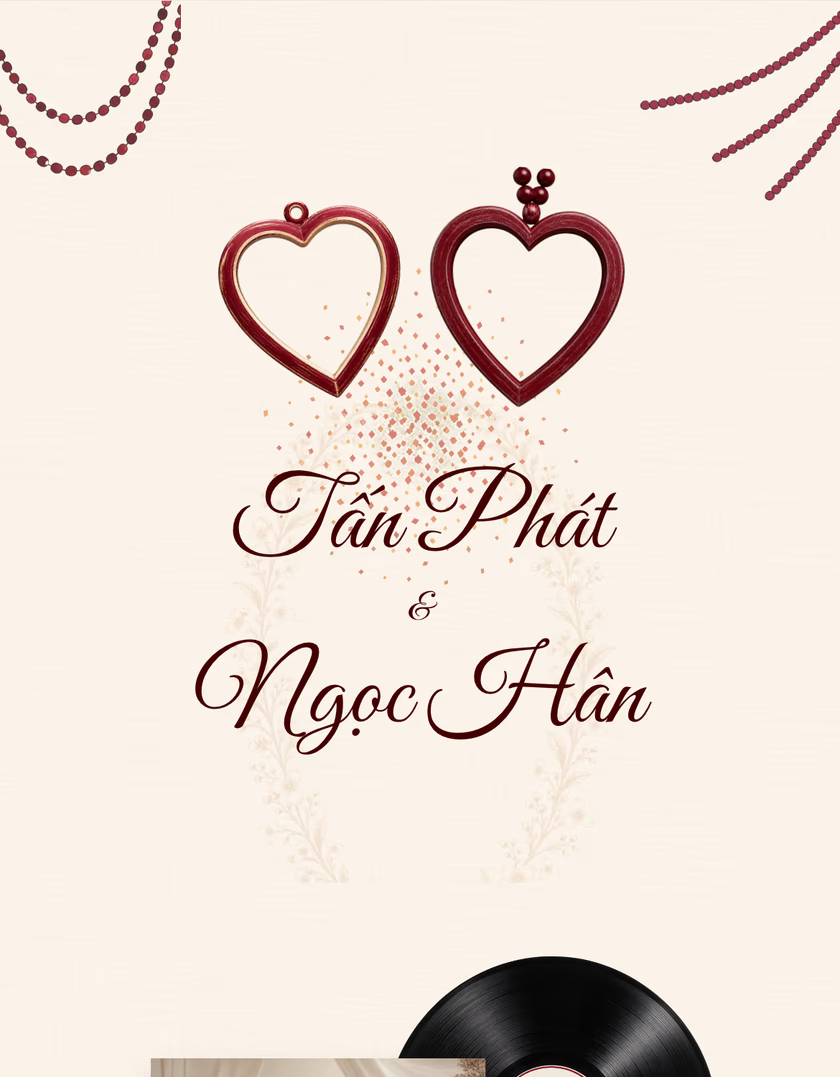
Tấn Phát & Ngọc Hân
Wedding on 14/03/2027
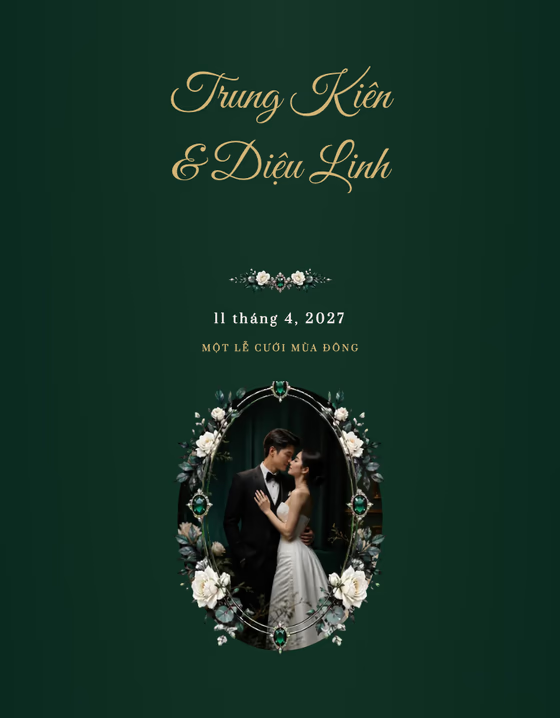
Trung Kiên & Diệu Linh
Wedding on 11/04/2027
Real reviews from customers who built their invitation here.
Những câu chuyện thật, được gửi lại sau khi ngày trọng đại đã bắt đầu.
“Mình làm xong thiệp trong 10 phút, gửi link cho họ hàng ai cũng khen đẹp.”
“Phần bản đồ và đếm ngược rất tiện, khách không còn gọi hỏi đường nữa.”
“Album ảnh cưới hiển thị đẹp trên điện thoại, đúng cái mình cần.”
05Begin forever
What couples usually ask before they start.
Three steps: pick a template, fill in your content (couple, ceremonies, reception, photos), then publish to get a shareable link and QR code. Creating and previewing are free — you only pay to make the link permanent.
About 10–15 minutes if you already have your dates, venues and photos ready. Your content saves automatically, so you can stop and come back later.
Yes, any time. The invitation updates on the same link, so guests who already have it always see the latest version — no need to resend anything.
Yes. Build the invitation and preview it in full for free. You only pay when you want the link to be permanent and the 15-viewer limit removed.
It is designed mobile-first, since almost every guest opens the link from Zalo, Messenger or Facebook on their phone. It still displays fully on desktop.
An unpaid link lasts 3 days and allows up to 15 viewers. Once paid, the link is permanent and the view limit is removed.
By unique viewers, not page loads. Someone who opens the invitation several times still counts once, and anyone who has already viewed it can always open it again.
The link stops working and guests see an expiry page. Your content is untouched — paying brings the same link back permanently.
You can put your wedding photos on the invitation depending on the plan. The Free plan does not show couple photos; they appear on the Gold and Diamond plans.
The album is a Diamond-plan feature and has a policy cap on the number of photos — it is not unlimited.
Gold templates have 1–3 built-in photo slots. The slot count is a template attribute and is shown on each template card.
Diamond templates have 4–6 built-in photo slots, and the Diamond plan additionally unlocks the photo album.
No. Downgrading or not paying only hides the album; the photos are kept and reappear as soon as the plan is upgraded again.
Yes. Add as many ceremonies as you need — engagement, bride's or groom's ceremony — each with its own date, time and venue.
Each template comes with a layout and fonts designed to look their best together, so those cannot be changed. Everything else is up to you — go explore.
Nothing is lost. Switching keeps all your content, including photos whose slot the new template lacks — they are kept, just not rendered.
Every block can be switched on or off: envelope, couple, families, ceremonies, reception, dress code, timeline, countdown, love story, album, gift box, guestbook, background music and thank-you.
There is no RSVP feature. The one thing a guest can write is a wish in the guestbook.
No. Every wish arrives pending and only appears once the couple approves it. The couple can also delete any wish.
In the editor, or on the wishes page of the invitation under My invitations.
Yes. You can set your own link, and the old one keeps redirecting — a link already shared with guests never breaks.
On first publish, from the couple's names plus a random suffix. If you set your own link, publishing again will not overwrite it.
Yes. The gift box block shows a QR code and bank account details so guests can send their gift online.
By bank transfer. The checkout page shows a QR code with the amount and reference already filled in; once the transfer lands the plan is upgraded automatically.
The system receives the bank notification and upgrades immediately; the checkout page updates itself. You also get a receipt email with the invitation link.
The transaction is still recorded but cannot be matched to your order automatically. Contact us and we will reconcile it manually.
The transaction is recorded as underpaid and the order is not upgraded. Send the remainder or contact us.
Yes. Accounts sharing an email are treated as one. A Facebook account registered with a phone number and no email cannot be used to sign in.
Use the forgot-password link on the sign-in page and we will email you a reset link.
Deleting your own account really deletes the data, and the email is freed up so you can register again later.
Yes, you can apply to become a partner. Partners get a range of special offers.
Pricing depends on the Free, Gold and Diamond plans — see the pricing page for current rates. You pay once per invitation, not monthly, and repeat purchases get their own discount.
Submit a partner store application; an administrator approves it before your account is upgraded. Applying does not upgrade you automatically.
Yes. Signed-in users can rate any template 1–5 stars with an optional comment; reviews appear immediately. One review per person per template — submitting again edits your existing one.
The rest of the story is yours to write.
Start for free and pay only when you want a permanent link.
Free to start · No credit card required